Works Seamlessly WithMicrosoft 365
Use your existing Microsoft account to log in. Users are automatically created and removed. Get reminders in Teams. Training sessions appear in Outlook. Everything just works.
No new passwords. No manual user setup. Just connect and go.
One login
Microsoft account
Auto-sync
24/7
Everything you need to work with
Microsoft 365
No complicated setup. No technical jargon. Just connect your Microsoft account and everything works together seamlessly.
Core integrations
Login with Microsoft
Use your existing account
Auto-create users
From Microsoft directory
Auto-remove leavers
When they leave Microsoft
Sync departments
Automatic department mapping
How it works in your day-to-day
Teams Notifications
Get training reminders and notifications directly in Microsoft Teams. No need to check email or log into another system.
Outlook Calendar Invitations
Training sessions automatically appear in Outlook calendars. One-click join for online sessions. Never miss a training session.
Email Reminders
Professional email reminders sent to your Microsoft email address. Course assignments, deadlines, and session reminders.
Sync Managers
Manager relationships automatically sync from Microsoft. Team management features work seamlessly with your org structure.
CSV Import as Backup
Don't use Microsoft 365? No problem. Import users from CSV files instead. The system automatically creates departments, assigns roles, and applies training rules.
See how it works in real-time
Add a user in Microsoft 365 and watch them appear in TrainMeUK with training already assigned. Remove them from Microsoft 365 and they're automatically archived. No manual work needed.
Microsoft 365
Your source of truth
Add User in Microsoft 365
New employee joins your organisation
User created in Azure AD

TrainMeUK
Automatically synced
Add User in Microsoft 365
New employee joins your organisation
User appears instantly
💡 This happens automatically in real-time — no manual steps required
See how it works with Microsoft 365
From logging in to getting reminders to managing users — everything works seamlessly with the Microsoft tools you already use every day.
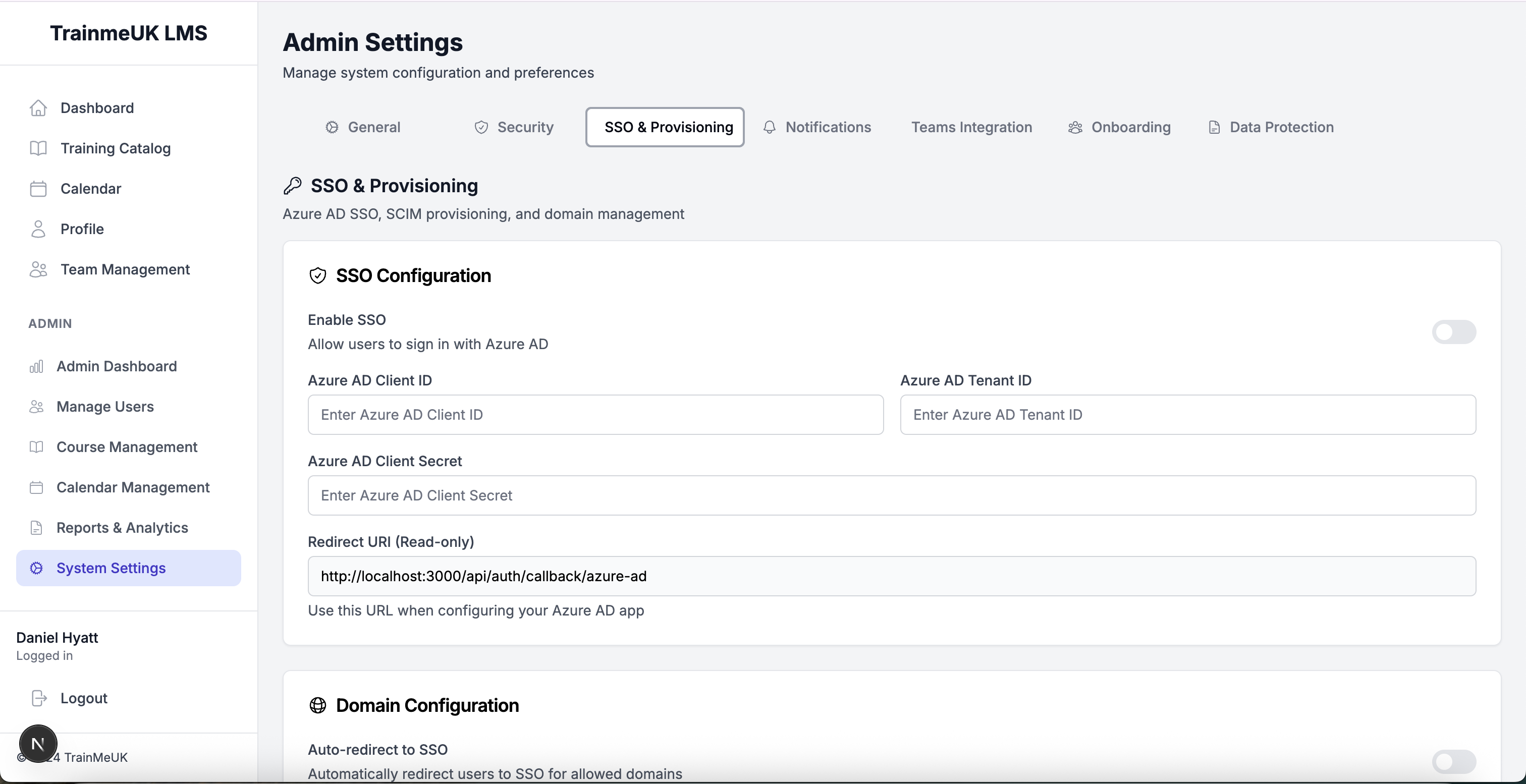
Login with Microsoft
Sign in using your existing Microsoft account. No new passwords to remember. Single sign-on works across all your Microsoft apps.
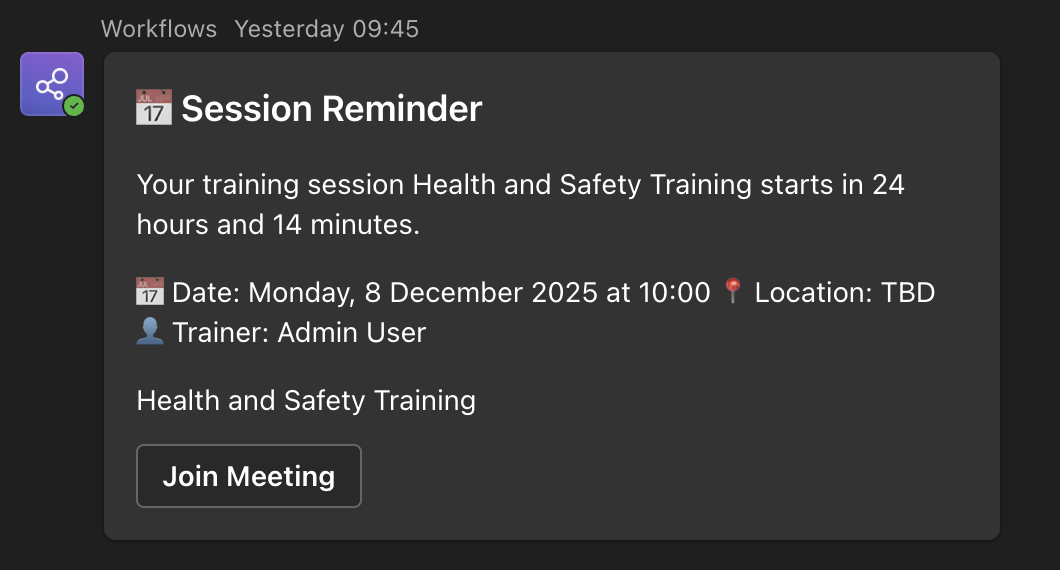
Teams Notifications
Get training reminders and course assignments directly in Microsoft Teams. Never miss important training updates.
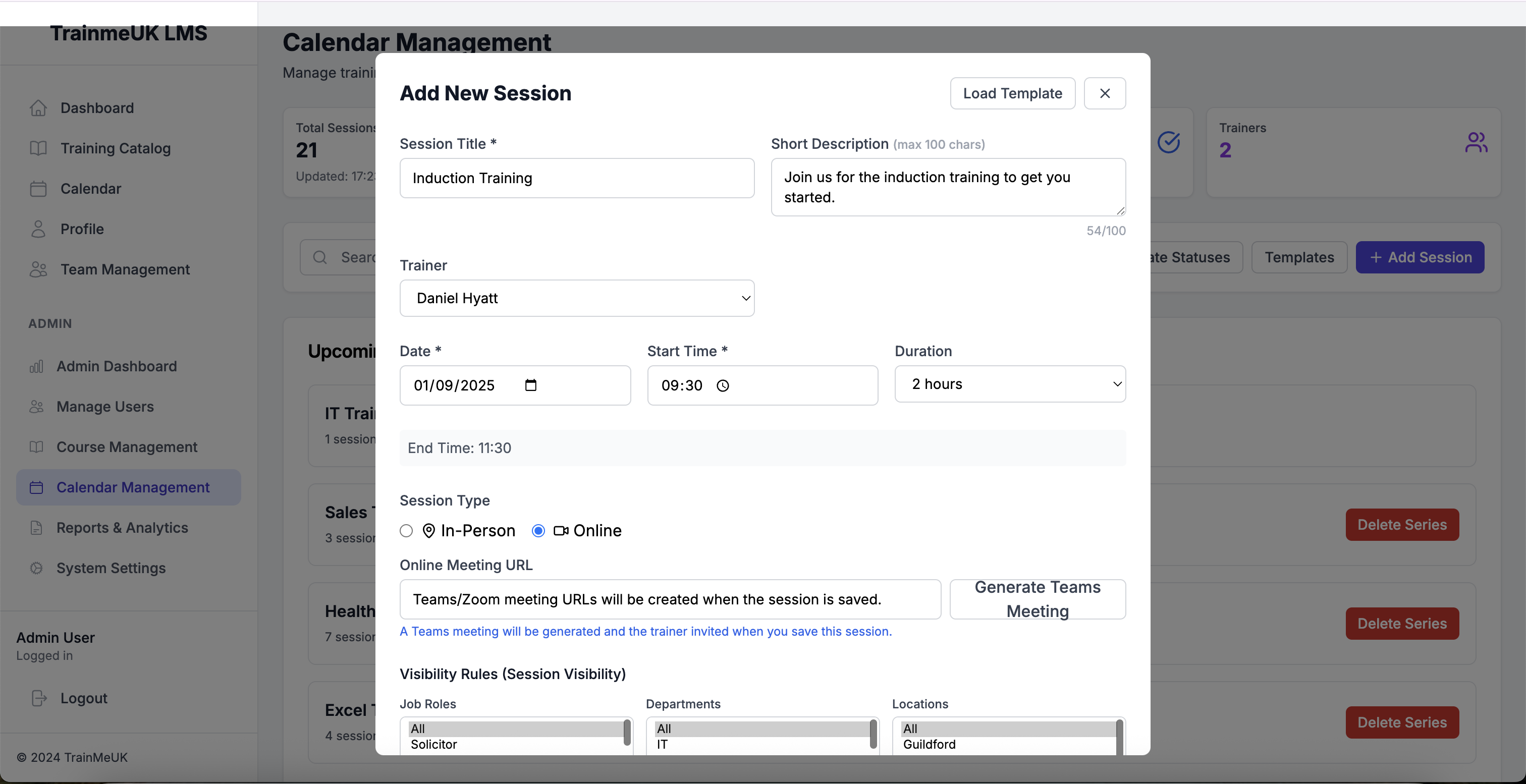
Outlook Calendar Integration
Training sessions automatically appear in your Outlook calendar. Join online sessions with one click. Perfect for scheduling.
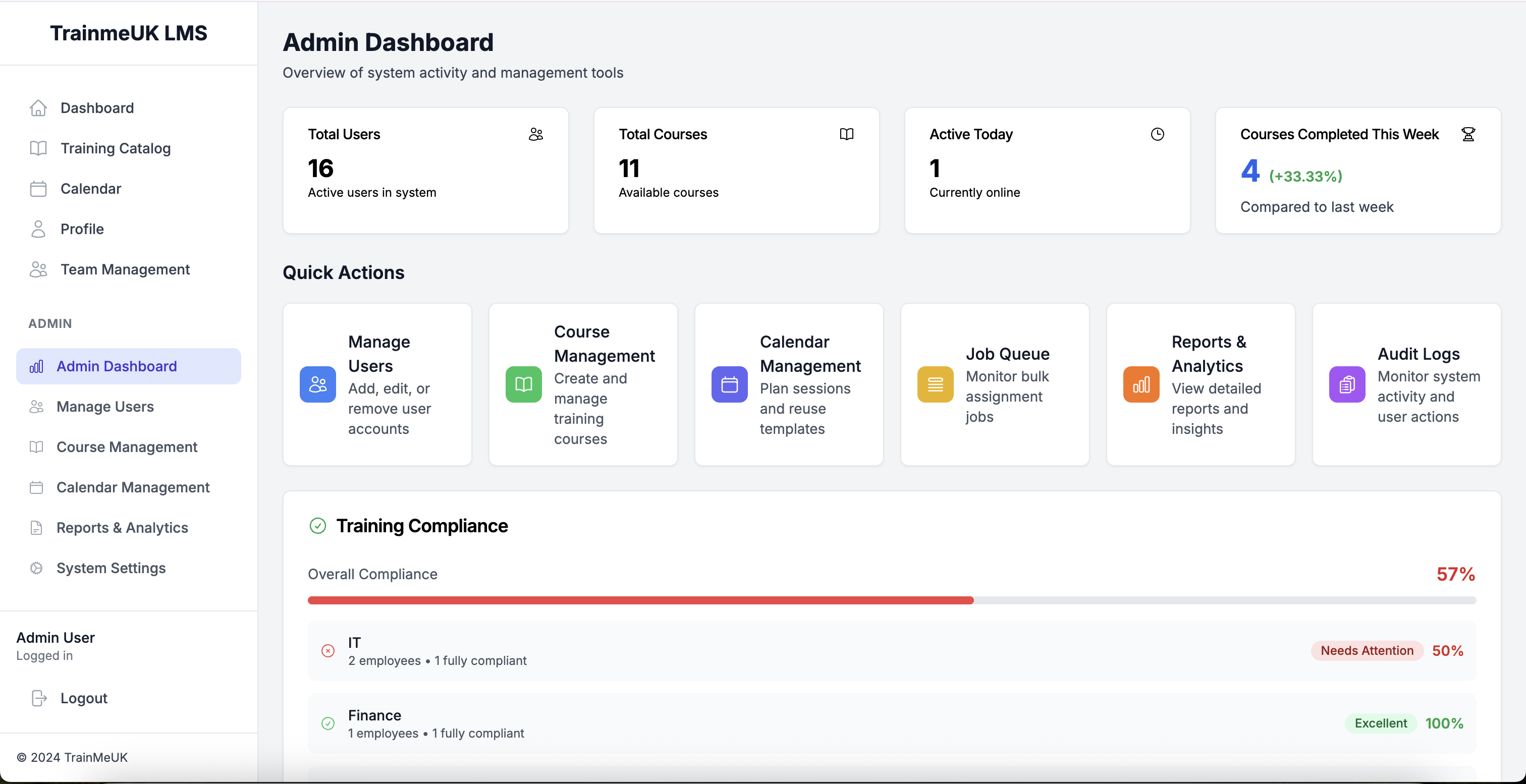
Automatic User Management
Users are automatically created when they join Microsoft 365 and removed when they leave. Departments and managers sync automatically.
Why integrate with Microsoft 365 instead of
managing everything separately?
Stop juggling multiple systems. When TrainMeUK works with Microsoft 365, everything syncs automatically. No duplicate data entry. No manual updates.
* Microsoft 365 SSO and user provisioning are included with all TrainMeUK plans; Teams notifications are available on Growth plans and above
Frequently asked questions
Do I need Microsoft 365 to use TrainMeUK?
No! Microsoft 365 integration is optional. You can use TrainMeUK on its own, or connect it to Microsoft 365 for seamless integration. CSV import is available as a backup option.
How long does Microsoft 365 setup take?
Setting up Microsoft 365 integration takes about 10 minutes. Connect your Azure AD account, configure a few settings, and you're done. Users will start syncing automatically.
What happens when someone leaves the company?
When someone is removed from Microsoft 365, they're automatically removed from TrainMeUK too. No manual cleanup needed. Their training records are preserved for compliance purposes.
Can I use CSV import instead?
Yes! If you don't use Microsoft 365, you can import users from CSV files. The system automatically creates departments, assigns roles, and applies training rules based on your data.
Ready to connect with Microsoft 365?
Start your 14-day free trial and see how seamless integration works. No credit card required. Set up in 10 minutes.
Calendar sync for instructor-led training
Outlook invites, Teams meetings, and room booking tie into the Training Calendar when you schedule live sessions — not just e-learning reminders.
Instructor-led trainingReady to automate your compliance?
Trusted by organisations across the UK
Less admin
Automated training workflows, reminders and renewals
95%+ compliance rate
Never worry about audit readiness again
Setup in 60 minutes
Connect Azure AD and start automating immediately
Start your free trial today
No credit card required • Full access for 14 days • Cancel anytime
✓ 14-day free trial • ✓ No setup fees • ✓ UK-based support