
Digital Accessibility for Content Creators
Included with TrainMeUK — no separate course purchase required.
Make content work for disabled people with alt text, clear links, real headings, contrast, captions and accessible documents.
- Assign to
- Anyone who writes emails, documents, web pages or social posts
- Duration
- 25 minutes
- Evidence
- 12-question quiz
- Your version
- Editable
What they will be able to do
- Explain who digital accessibility helps and the legal basics.
- Write useful alt text and avoid text in images.
- Use real headings, descriptive links and plain language.
- Make documents and video accessible, and test before sending.
The course
- 01Who it’s for, and the law
- 02Images and colour
- 03Structure and links
- 04Documents and video
The decision they practise
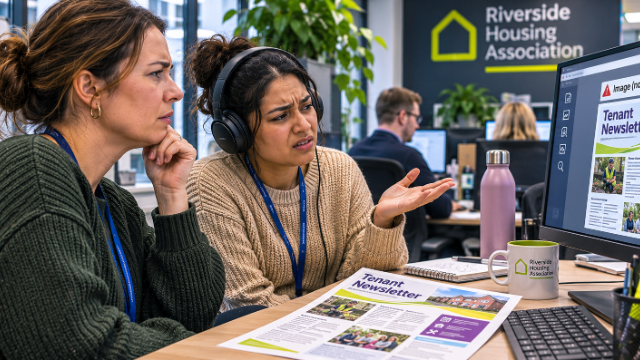
In the main activity, “Rewrite Ellis’s newsletter”, learners rewrite a realistic document line by line and see the effect of each choice. Short animations show “Alt text, before and after”; and “Two newsletters”.
How you know they finished
The 12-question quiz mixes multiple choice and matching questions and returns to the opening story.
Relevant legislation and guidance
The course draws on these. Which ones apply depends on the organisation and the role. Finishing the course is a training record.
- Equality Act 2010
How this course is built
Interactive activity
Learners practise the decision in the course, including what to say when someone pushes back.
Edit it in the builder
On Growth and above, adapt the scenarios and wording to your own workplace, policies and reporting procedures.
A record they finished
The 12-question quiz closes the course, so you can show who completed it.
Related courses



TrainMeUK course library
Ready to make Digital Accessibility for Content Creators easier?
Give your team access to practical, interactive training, with automated assignments, reminders and completion records managed in one place.